Budgeting
Liquidity
Financial planning
Budget App for
Small Business
& Startups
Plan Smarter. Move Forward.
See where your business is heading before the money leaves your account.

See where your business is heading before the money leaves your account.
A healthy bank balance doesn't always mean the money is yours to spend. VAT may be due in a few months. Taxes like B-skat still needs to be paid. A large expense may be coming. And being profitable doesn't necessarily mean you'll have enough cash when you need it.

It is easy to spend money that is sitting in your account without realising part of it will later be needed for VAT, tax or upcoming expenses. ESIO includes those future payments in your liquidity planning so you can see what is really available.
Your accounting shows what has already happened. But what happens if sales drop next month? Can you afford new equipment? What if you hire someone? What will your bank balance look like after your next VAT payment? ESIO helps you turn those questions into numbers.
Business decisions become much easier when you can see their financial consequences. Change your budget, add an expense, adjust your expected income or create another scenario and immediately see how the numbers change.
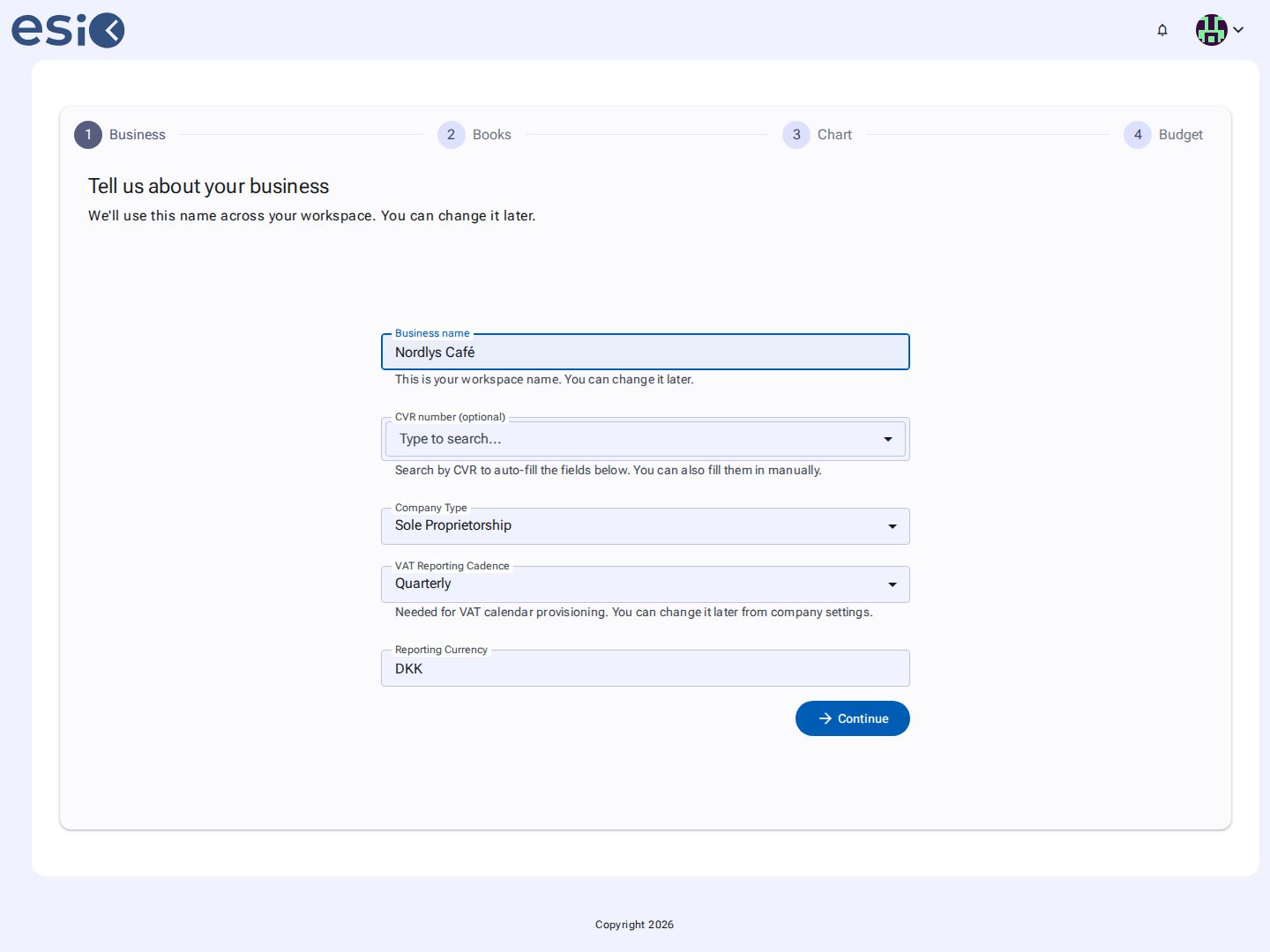
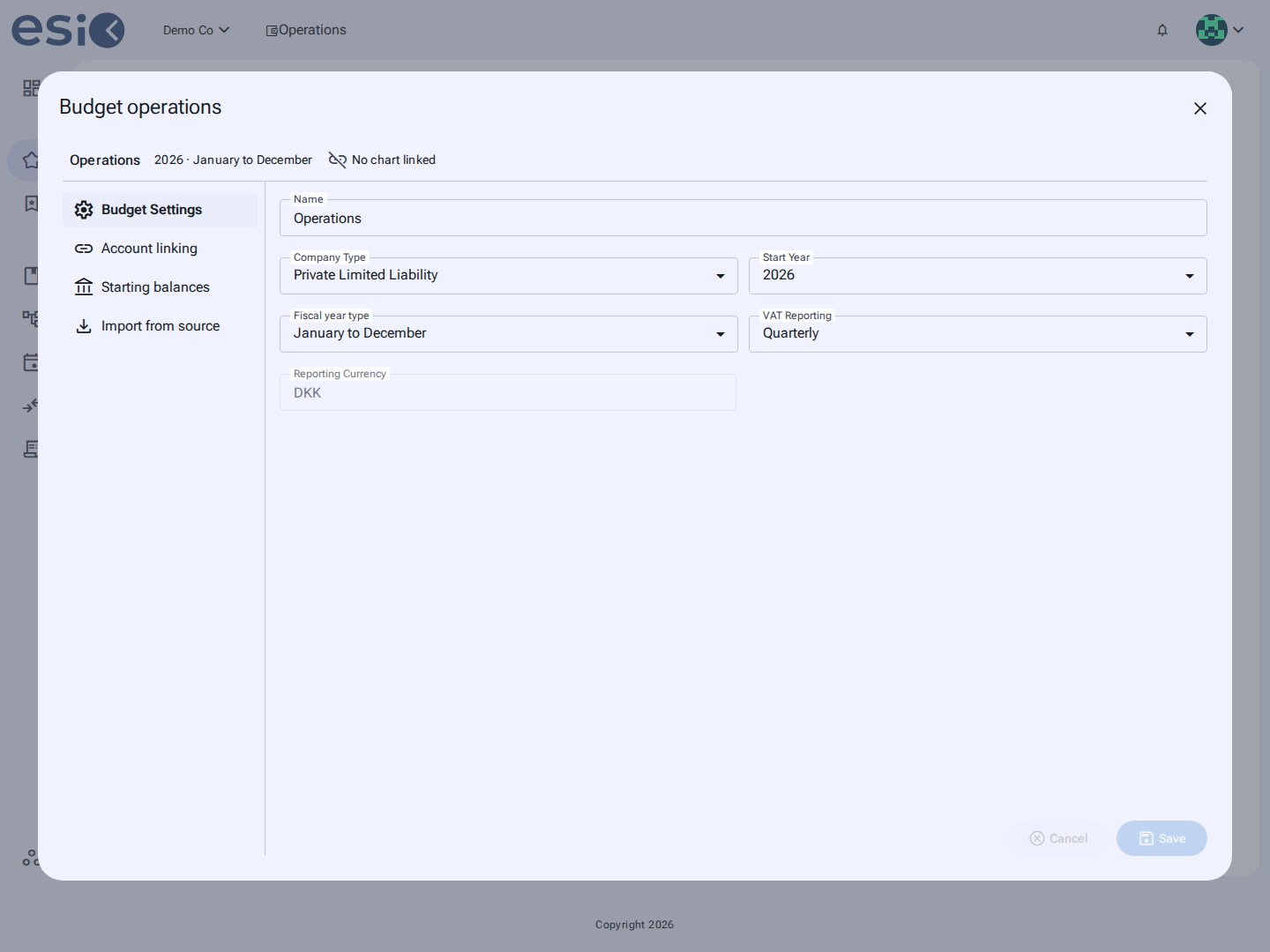
You don't need an accounting integration to get started. ESIO can begin with a completely empty budget and grow with your business.
ESIO gives you a clearer way to use financial information for planning and decision-making.

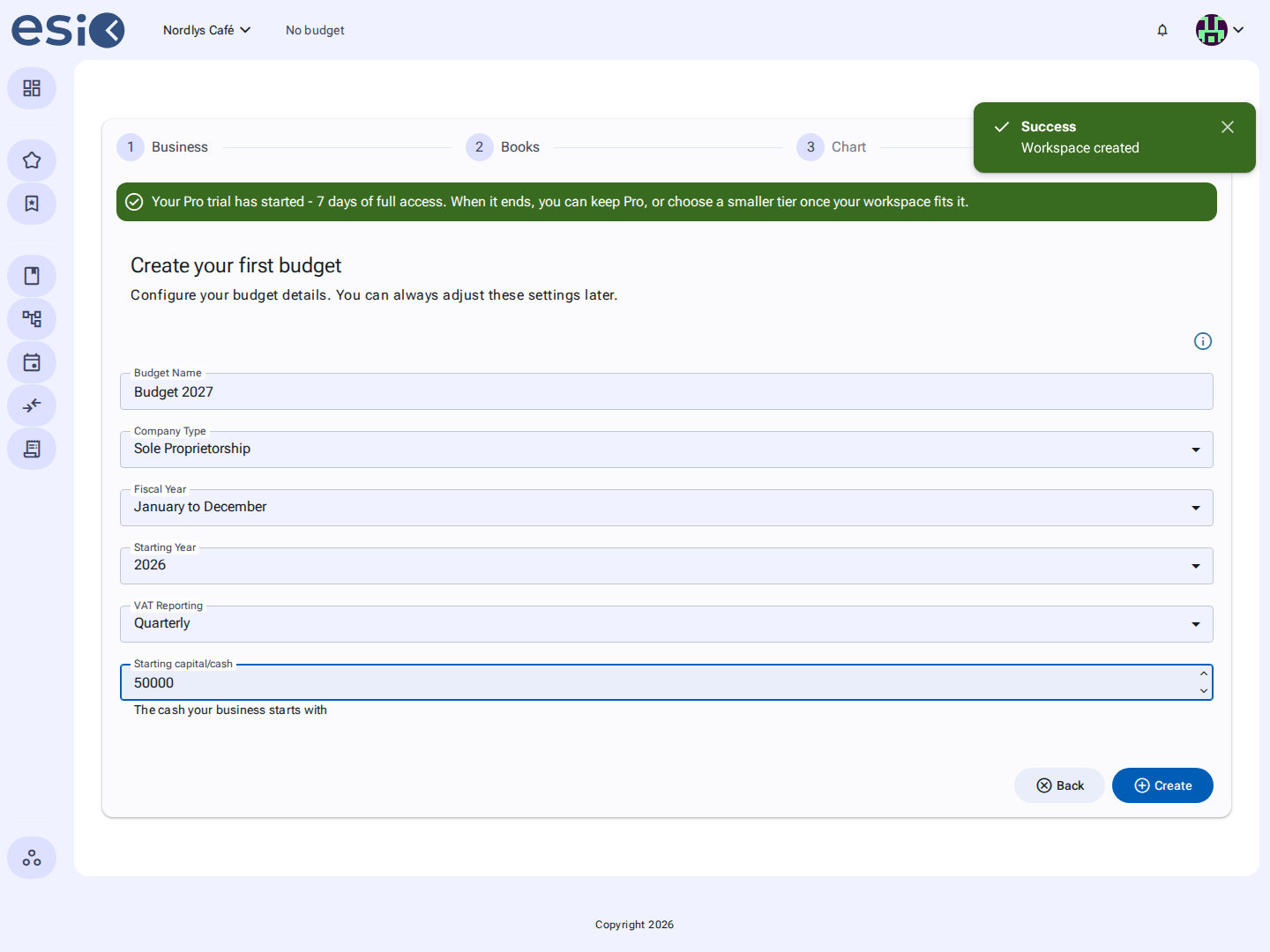
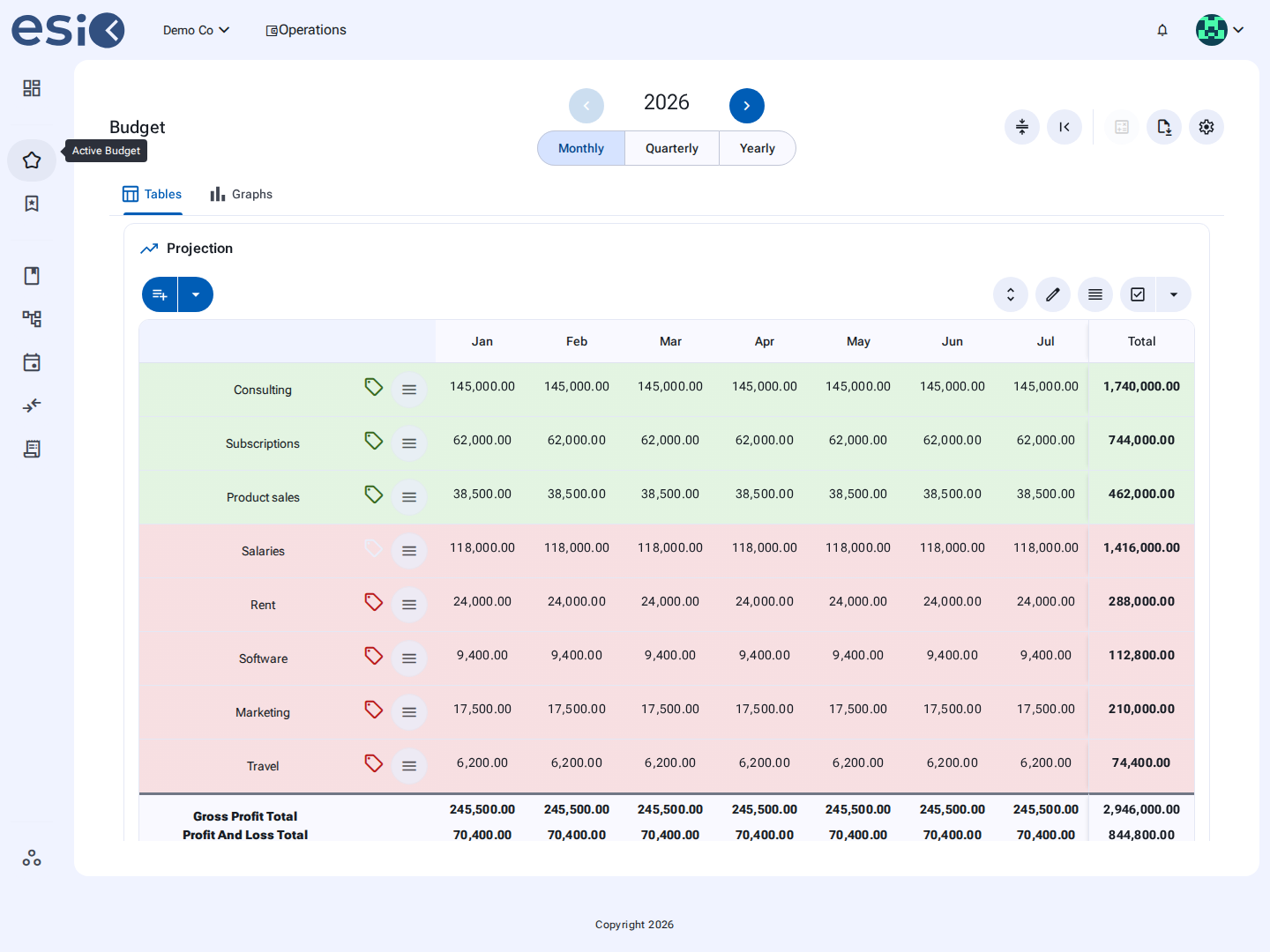
Start with an empty sheet or use data from your accounting system.
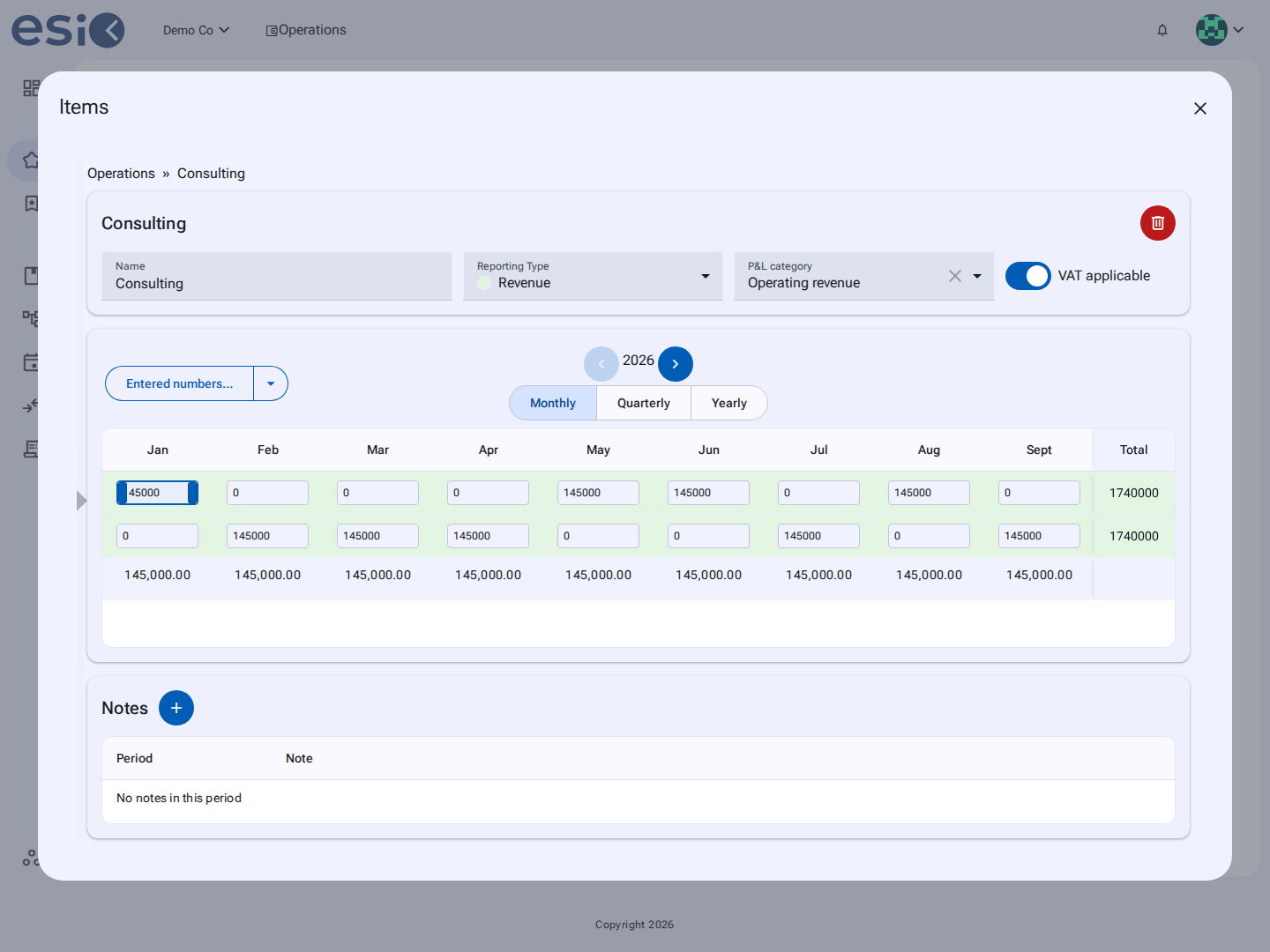
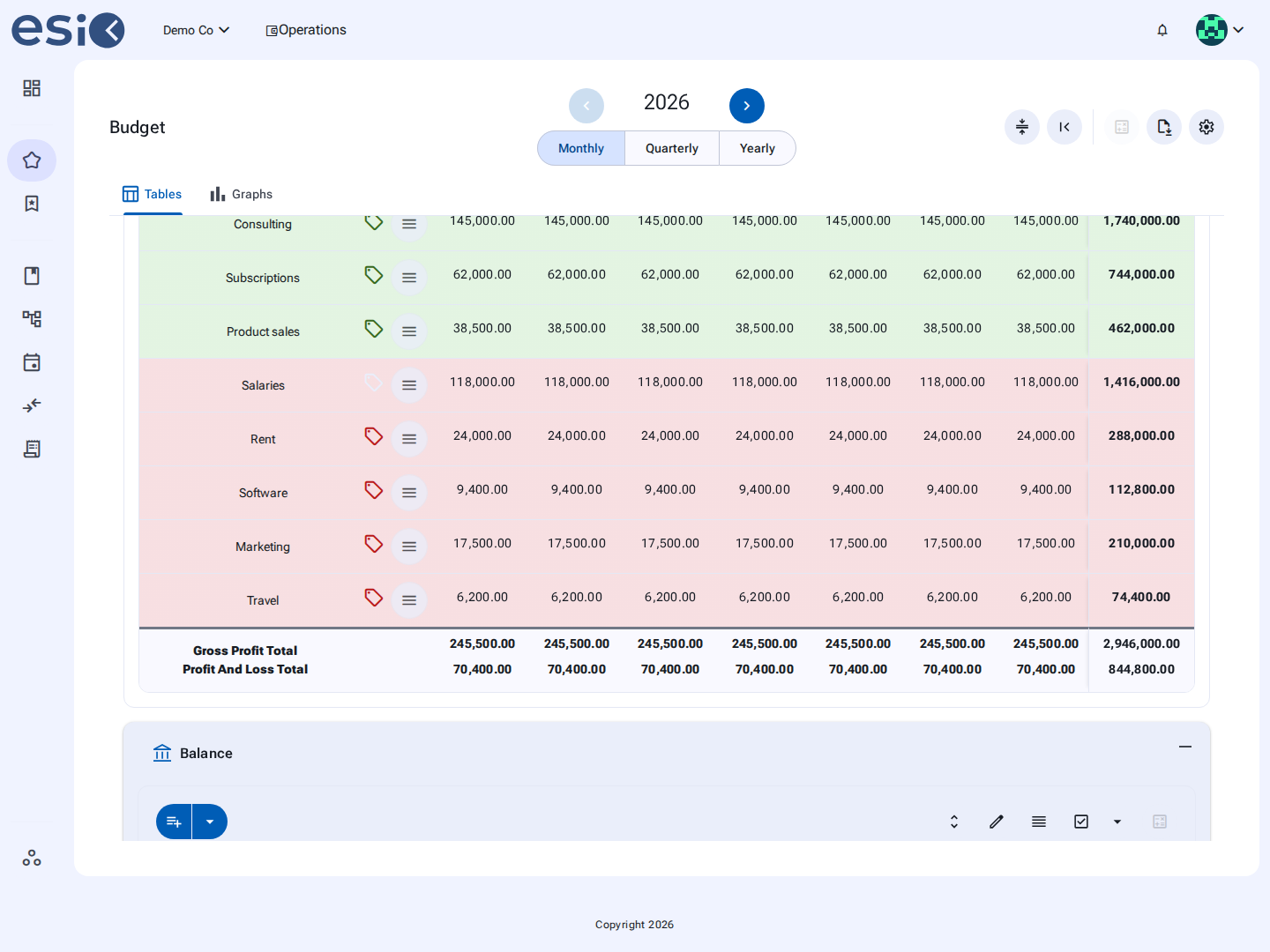
Create your own structure with rows and multiple levels of sub-rows, add notes, duplicate and rearrange items, and adjust your numbers whenever your plans change. Unlike a traditional fixed spreadsheet, the calculations are already built in.
ESIO is focused on liquidity: when you enter income or an expense, you can immediately see its expected effect on your cash flow.
*No accounting integration required.*
VAT and tax payments can create major cash-flow problems when the money has already been spent.
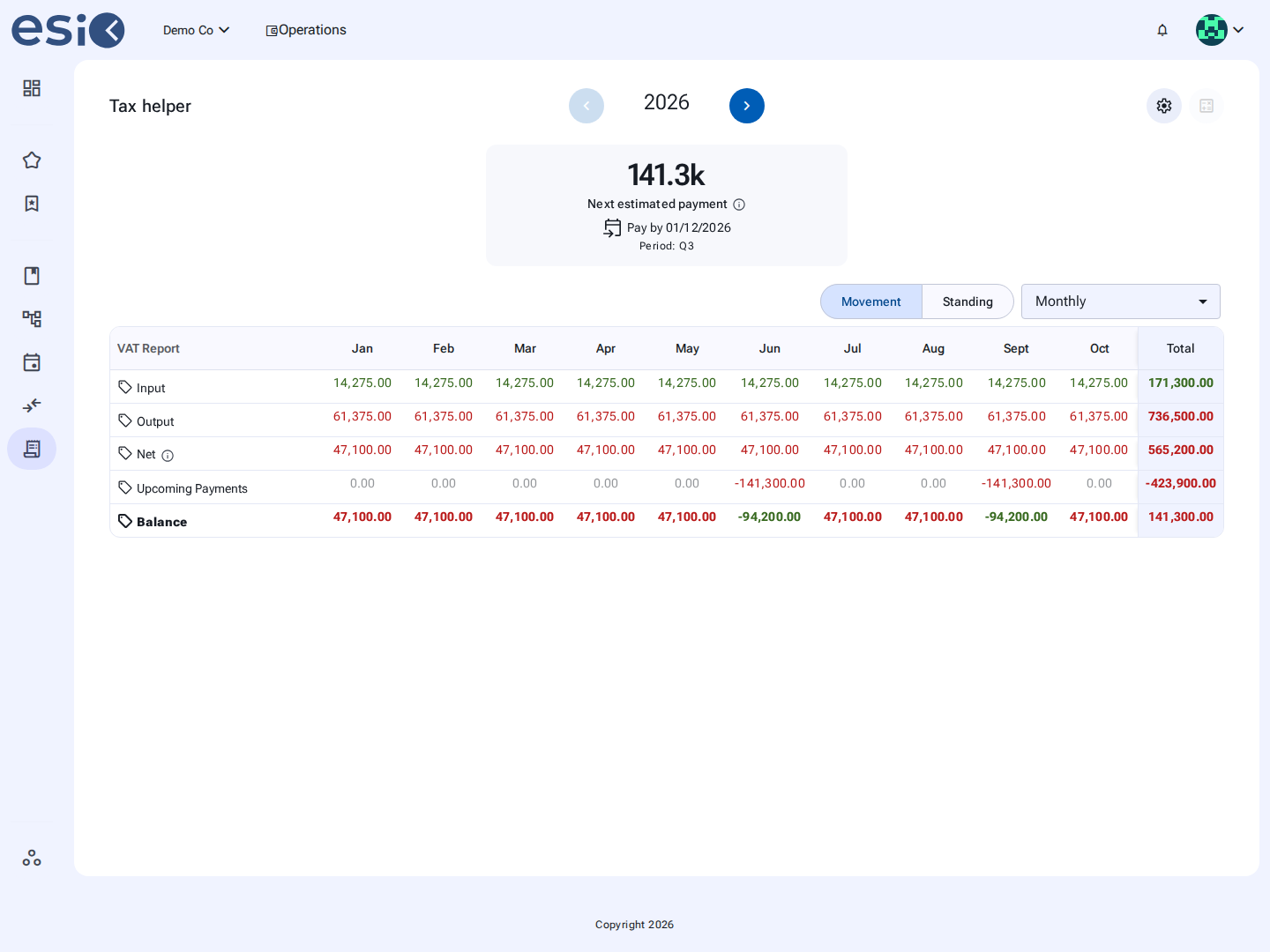
ESIO's Tax Helper gives you a separate view of your projected VAT based on your budget and selected VAT frequency.
For sole proprietorships and I/S businesses, you can also estimate potential income tax and include the expected withdrawal in your financial planning.
So instead of simply seeing money in the bank, you can plan for the money your business may need later.

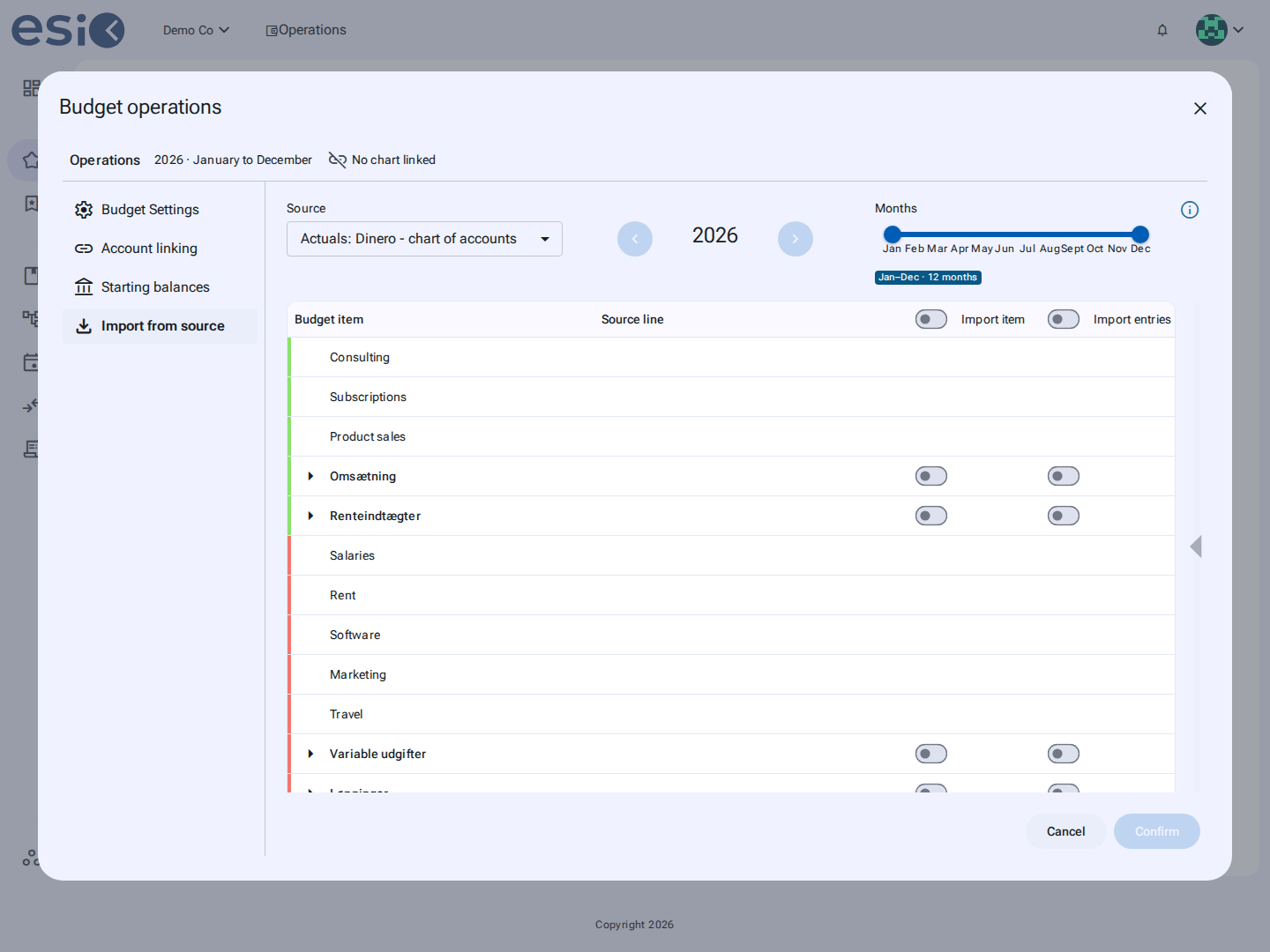
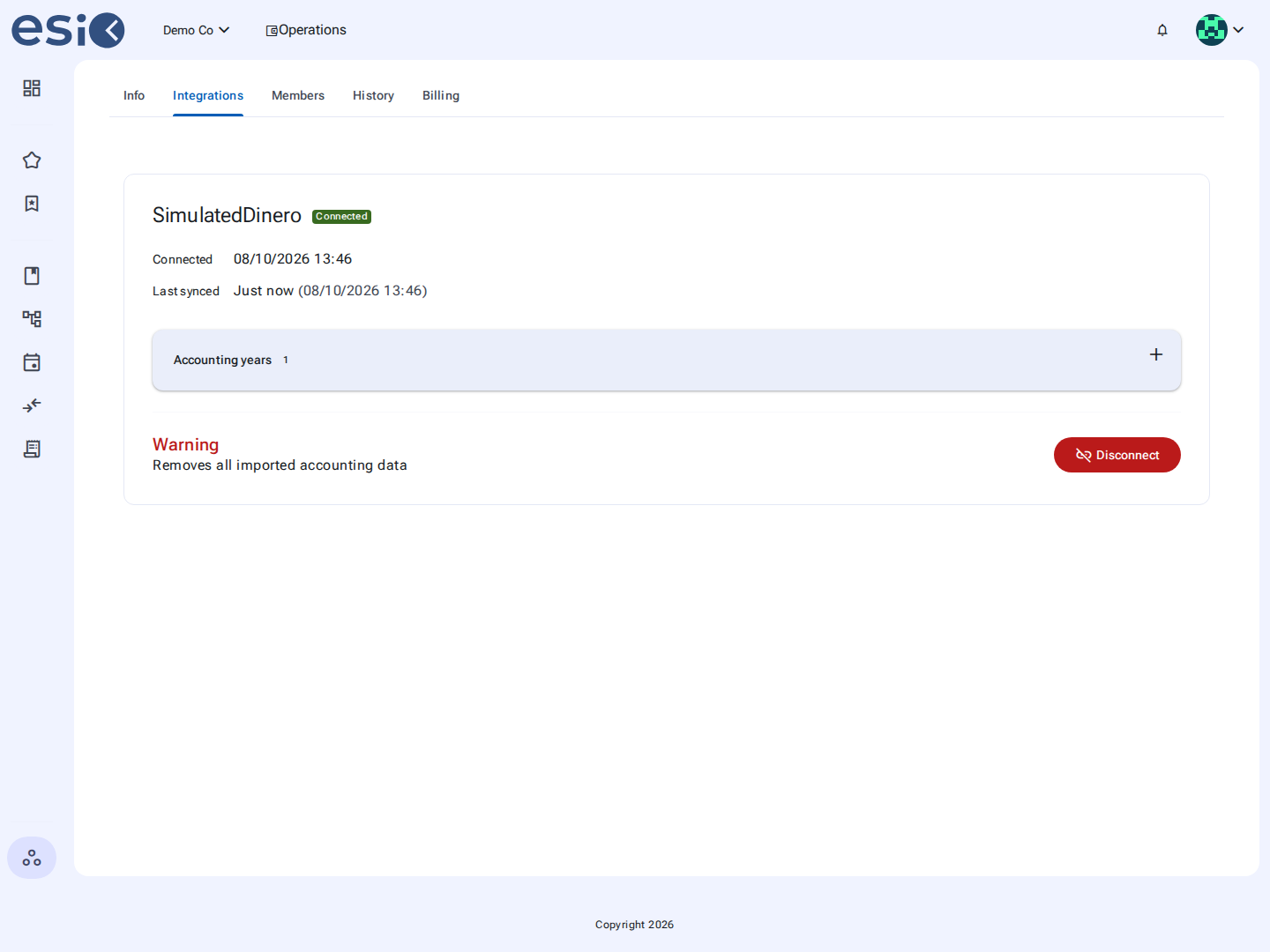
Connect Dinero or e-conomic and bring your actual accounting data into ESIO.
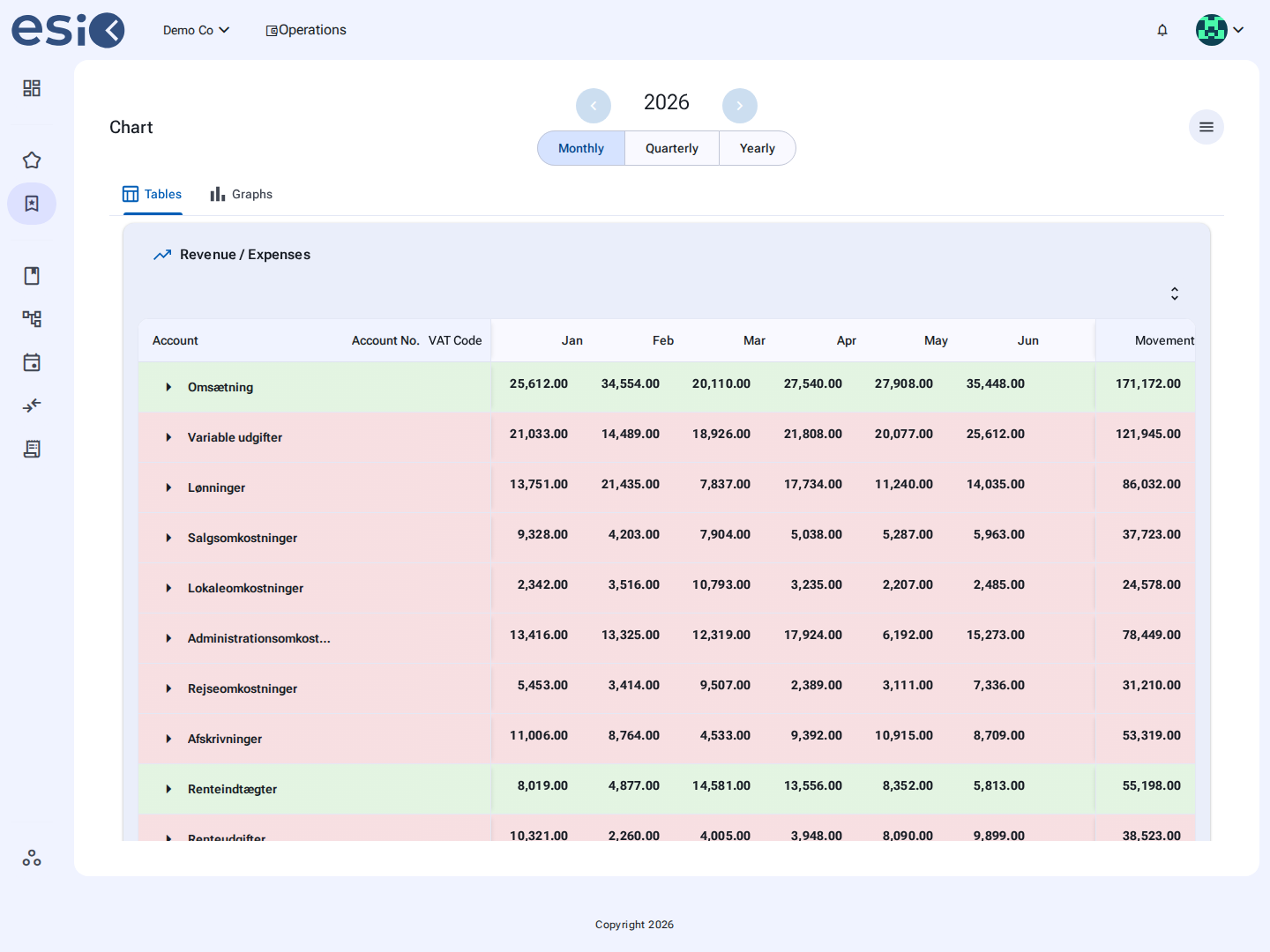
View your P&L and balance sheet across 12 months or switch to a quarterly view. Choose between month-end balances and monthly account movements, explore graphs and drill down from an account to the underlying accounting entries in a read-only view. Need to share the numbers? Export your reports to Excel or PDF.
And when it is time to create a budget, you don't have to start again manually. Copy your chart of accounts, previous actuals or individual accounts directly into your budget.

A budget becomes much more useful when you can compare it.
ESIO lets you compare:
1) Budget with budget,
2) Budget with actual results,
3) Actual results with another period's actual results.
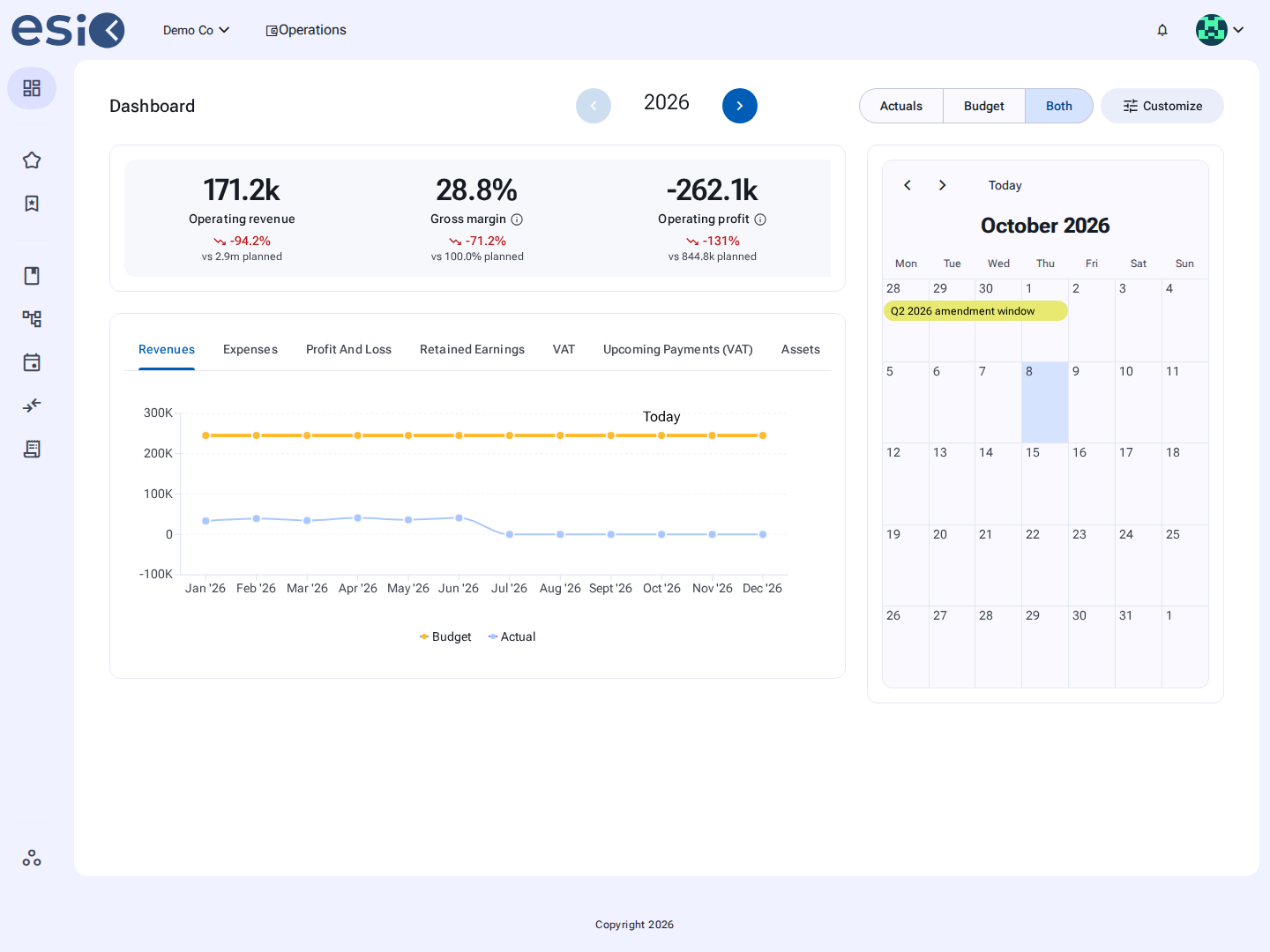
See variances clearly with colour coding and graphs, then drill down to individual accounts when you want to understand where the difference came from.
Use different budgets for different scenarios and see how your plans compare before making a decision.

These are the current plans. No hidden fees, no surprise invoices, cancel anytime. Prices exclude taxes.
Get 2 months free with a yearly plan
Prices excl. VAT.
| Feature | Start | Business | Pro |
|---|---|---|---|
| How many budgets the workspace can hold at once. Budgets | 1 | 3 | Unlimited |
| People who can open the workspace, invites included. Team members | 1 | 3 | 3 |
| See your cash month by month, and when it runs low. Liquidity budgeting | |||
| Your VAT and tax due dates and amounts, calculated from the budget. VAT and tax helper | |||
| Your key figures and charts on one page, as soon as you open the workspace. Dashboard and graphs | |||
| Download any budget or report to share with your accountant or bank. PDF / Excel export | |||
| Link your bookkeeping so the numbers come in by themselves. Dinero and e-conomic integration | |||
| Your chart of accounts with the figures from your bookkeeping, as reports. Financial reporting | |||
| Your own accounts, imported and kept in sync with your bookkeeping. Read-only accounting entry drill-down | |||
| Bring in the chart of accounts from your bookkeeping system. Import chart of accounts | |||
| Booked transactions shown next to what you budgeted. Copy actual figures into your budget | |||
| Compare budgets and actual figures against each other and see where they differ. Advanced variance analysis | |||
| Variance analysis between two budgets, for example this year's against last year's. Budget vs. budget | |||
| Variance analysis of your budget against your actual figures: where you are over or under, line by line, month by month. Budget vs. actual | |||
| Variance analysis of this year's actual figures against last year's. Actual vs. actual | |||
| Account-level variance breakdown Account-level variance breakdown |
Product updates, finance tips for founders and the occasional case study, sent every few weeks. No spam.
You can unsubscribe at any time with one click. We don't share your address with anyone.